10 Multicolor Click Marker for RPG Maker MZ
A downloadable mod
Description
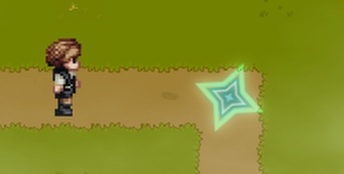
This plugin adds a visual destination marker when the player clicks on the map in RPG Maker MZ.
The marker appears at the clicked position and shows where the character is going to move.
The marker supports multiple geometric shapes, color presets, and animation:
-
a pulsing shape at the destination point;
-
a shatter animation when the destination is reached.
The shape and color of the marker can be configured via plugin parameters.
Features
-
Displays a marker when clicking on a map tile
-
Selectable marker shape
-
Pulsing animation (limited number of repeats)
-
Shatter animation on arrival
-
Color presets and custom HEX color support
-
Transparent background, Canvas-based drawing (no image assets required)
Available Marker Shapes
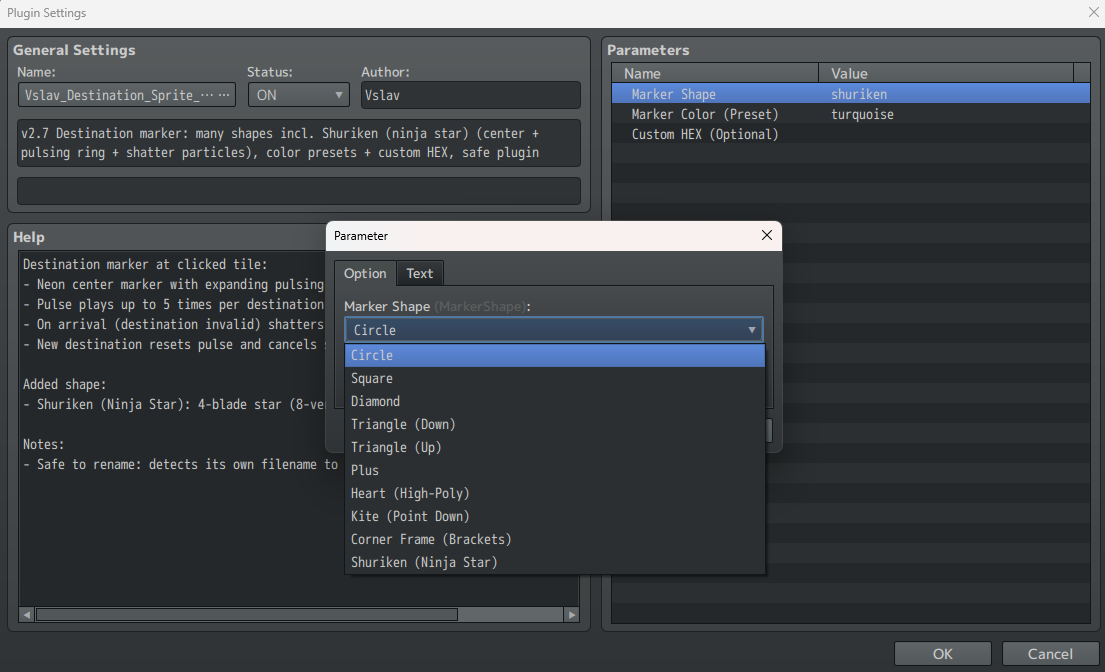
Marker Shape parameter:
-
Circle
-
Square
-
Diamond
-
Triangle (Down)
-
Triangle (Up)
-
Plus
-
Heart (High-Poly)
-
Kite (Point Down)
-
Corner Frame (Brackets)
-
Shuriken (Ninja Star)
The selected shape is used for:
-
the center marker;
-
the pulsing ring;
-
the shatter particles.
Plugin Parameters
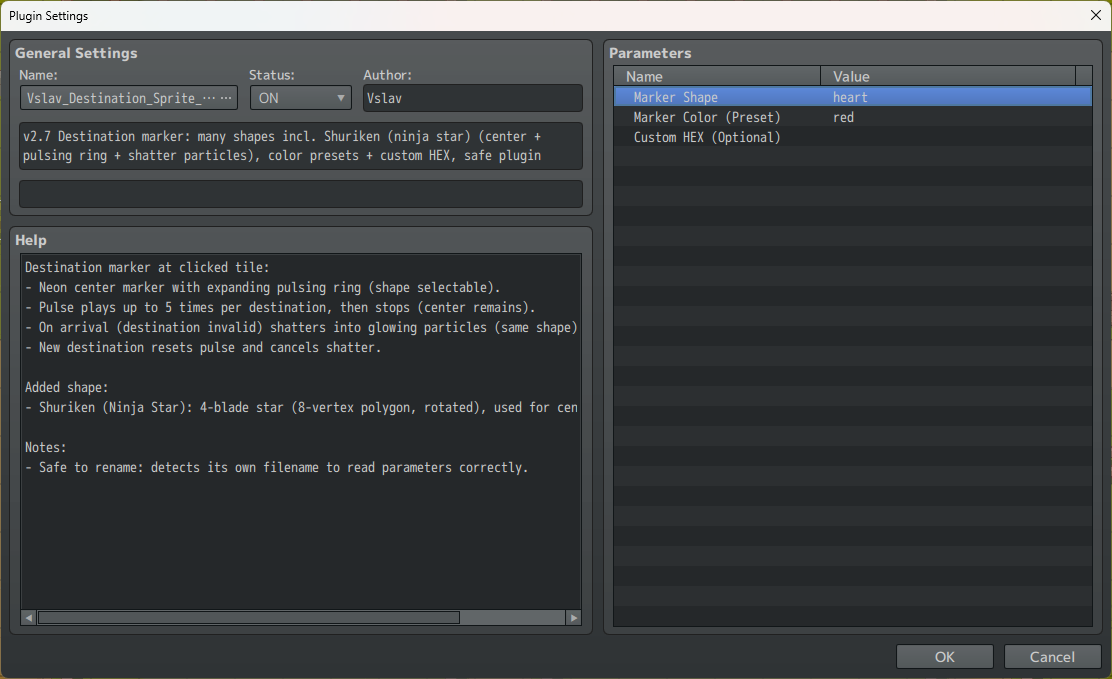
Marker Shape
Selects the marker shape from the available list.
Marker Color (Preset)
Selects the base color of the marker from predefined presets:
-
Turquoise
-
Red
-
Green
-
Pink
-
Blue
-
Yellow
-
Purple
Custom HEX (Optional)
Custom color in HEX format (#rrggbb).
If this parameter is set:
-
it overrides the selected color preset.
Example:
#ff8800
Marker Behavior
-
When the player clicks on the map, a marker appears at the destination point.
-
The marker plays a pulsing animation up to 5 times.
-
Clicking on a new destination resets the animation.
-
When the character reaches the destination, the marker:
-
disappears with a shatter particle animation.
-
Arrow Cursor Plugin
Custom SVG mouse cursor generated entirely from code Features:
- Replaces the default mouse cursor with a custom arrow shape
- Cursor is generated via SVG in code, not from image files
- Works on the entire page and all RPG Maker canvases
- Configurable click hotspot (Hotspot X / Y)
Color options:
- Built-in color presets:
- Turquoise
- Red
- Green
- Pink
- Blue
- Yellow
- Purple
- Optional Custom HEX color (overrides preset)
- Outline color configurable via HEX
Compatibility
-
RPG Maker MZ
-
Uses the default
Sprite_Destination -
Does not require any external images or assets
-
Compatible with most plugins that do not modify the click destination system
Installation
-
Place the plugin file into: js/plugins/
-
Enable the plugin in the Plugin Manager.
-
Configure the plugin parameters.
-
Run the game.
Notes
-
The plugin automatically detects its own filename, so it can be safely renamed.
-
All shapes are drawn programmatically without using image files.
-
Opacity and scale are adjusted to fit the default tile grid.
Purchase
In order to download this mod you must purchase it at or above the minimum price of $2 USD. You will get access to the following files:
Leave a comment
Log in with itch.io to leave a comment.